Can You Play Task Bar Hero on Mac or Phone?
TBH: Task Bar Hero is Windows-only on Steam, with no macOS, iOS, or Android version listed on its store page.
TBH: Task Bar Hero runs on Windows only, and no macOS, iOS, or Android version is listed on the game’s Steam store page. Start with our beginner guide if you are setting up the game on a Windows desktop for the first time.
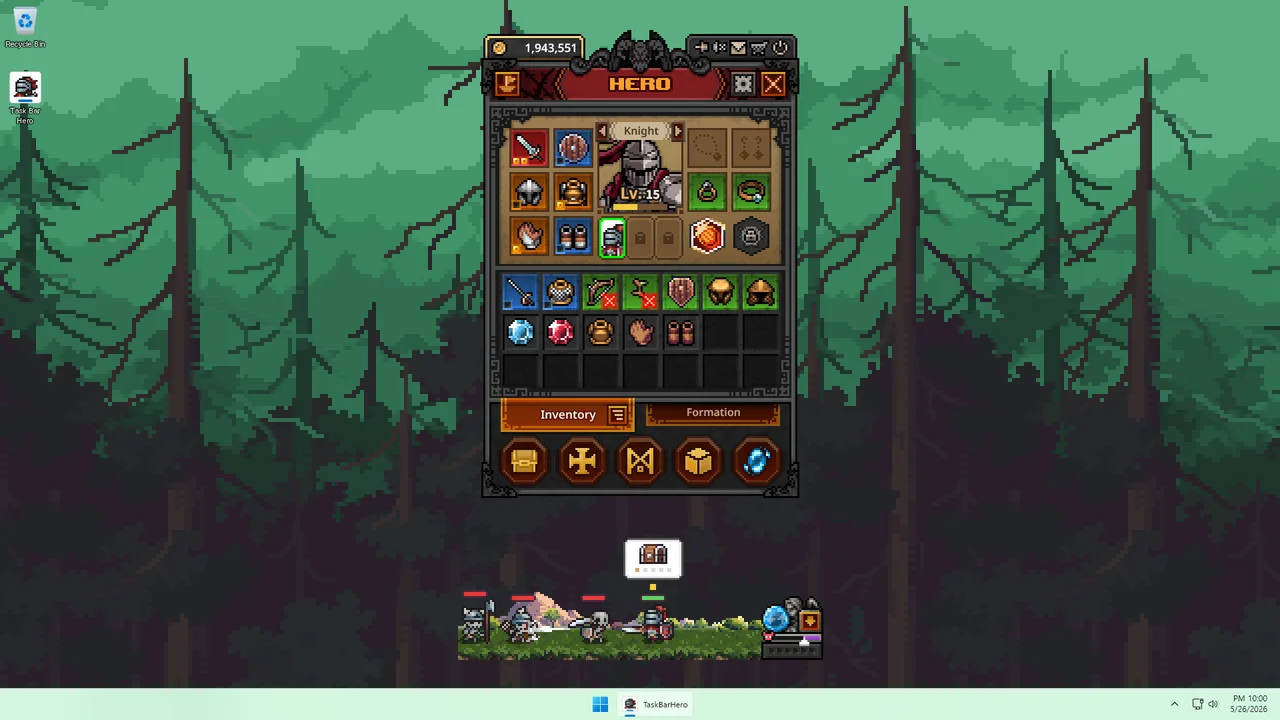
Supported Platforms and Desktop Options
The Steam store page lists Windows under its supported platforms and includes no macOS, iOS, or Android build. Taskbar settings such as Launch at Desktop Startup and Always show in front of taskbar are built for desktop play, though keeping it in front of the taskbar can affect other fullscreen games.
Pixel heroes run your adventure along the taskbar on Windows, while an in-game warning notes that Linux is unsupported and can suffer black-background issues that block normal play. You can review how idle progress accumulates while away from your PC in our offline rewards guide.
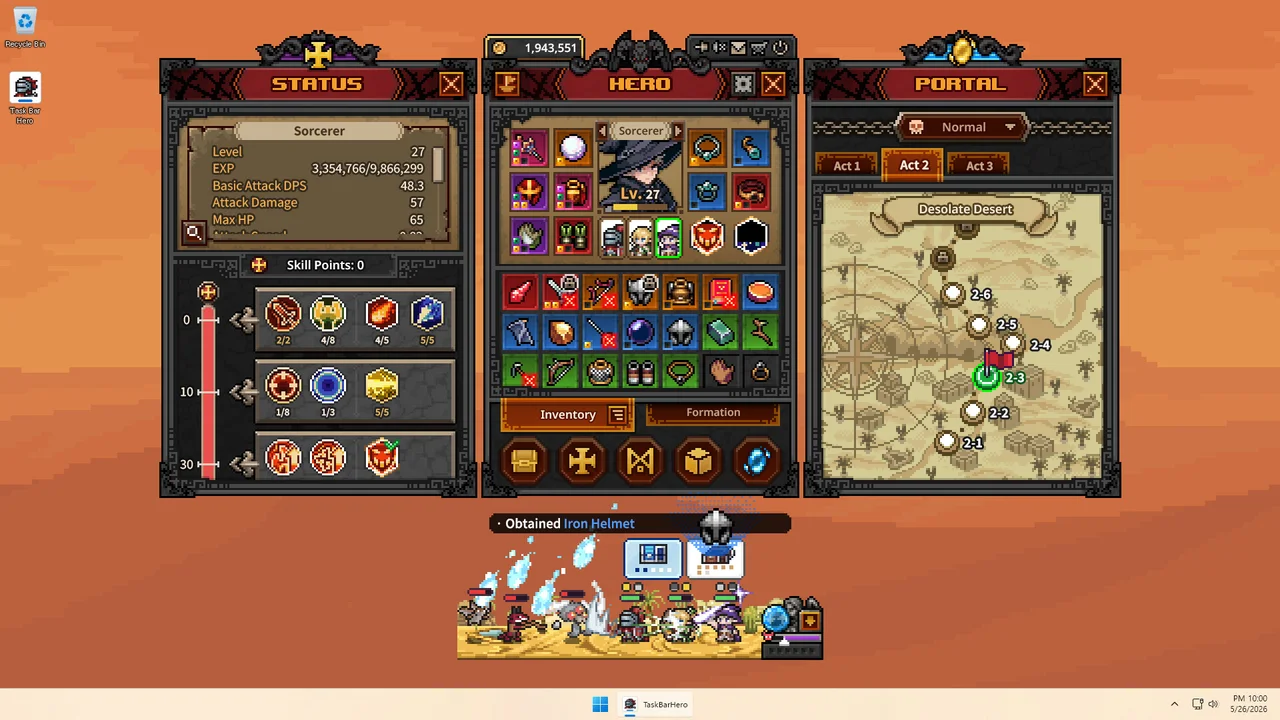
Steam Features and Party Roster on Windows
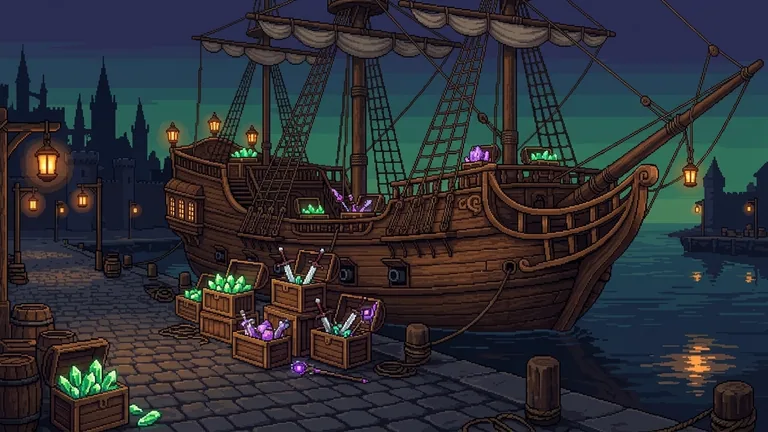
The Steam store page lists multiple supported languages, and switching your in-game language requires a client restart so all changes take effect properly. Gameplay continues even during Steam server maintenance or an unstable Steam connection, though any Steam connection problem restricts access to the Trade Ship and Mailbox.
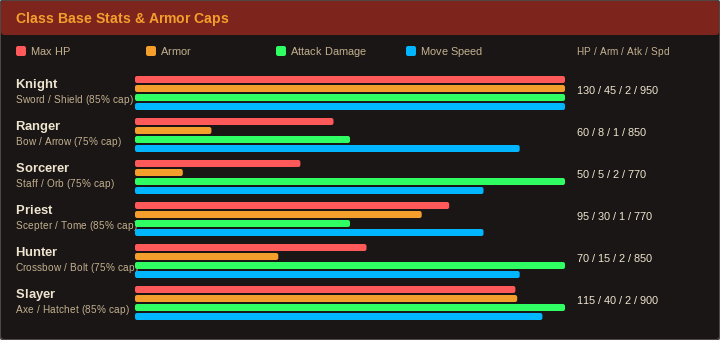
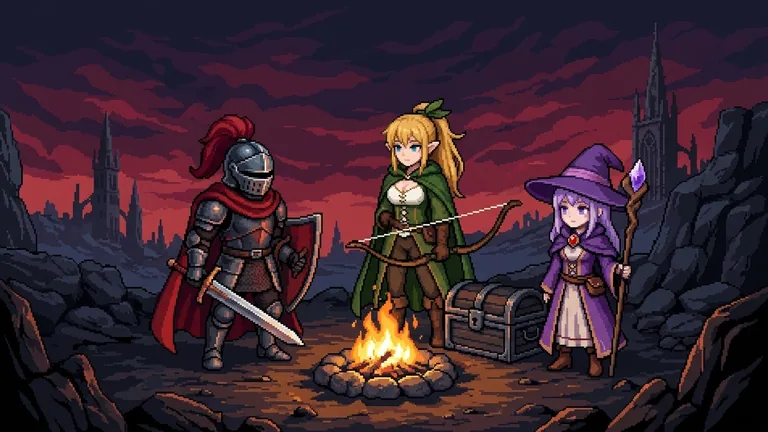
When launching on Windows, you can build a party from  Knight,
 Ranger,
 Sorcerer,
 Priest,
 Hunter, and
 Slayer. Once your Cube reaches level 10 on PC, check our marketable items guide to manage Trade Ship listings safely.