Fixing the Lack of Space to Store Boxes Error
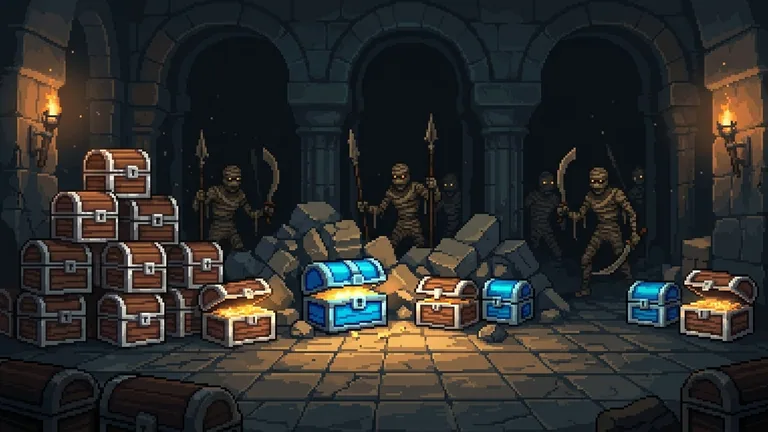
Stage entry stops on lack of space to store boxes or Event boxes; use Rune of Opening or capacity Runes, and open Halloween chests before re-entering.
Task Bar Hero blocks stage entry with “Cannot enter due to lack of space to store boxes” or “Cannot enter due to lack of space to store Event boxes” when space to store boxes is lacking;  Rune of Opening lets you open every chest type simultaneously with Space (or one chest type on right-click from its earlier node), and
 Rune of the Mainspring unlocks automatic opening for Normal chests. Read our beginner guide for broader progression basics across acts and storage menus.
Why Chest Storage Blocks Stage Entry
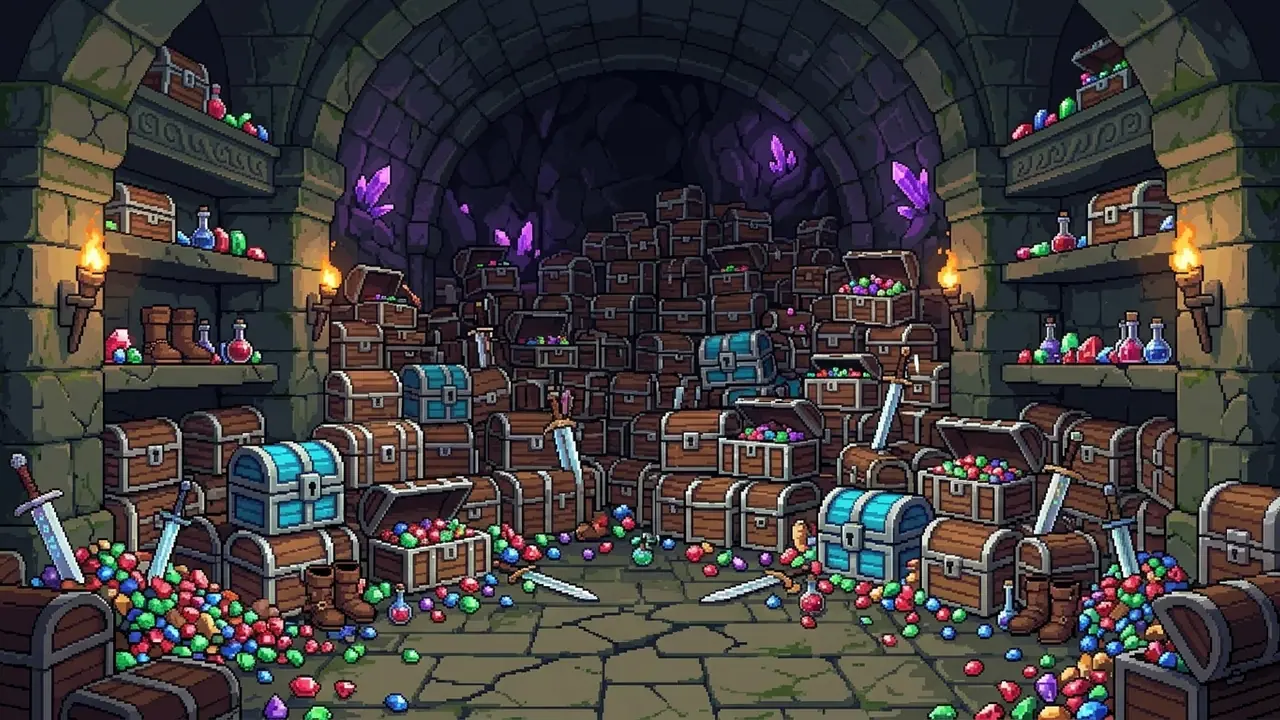
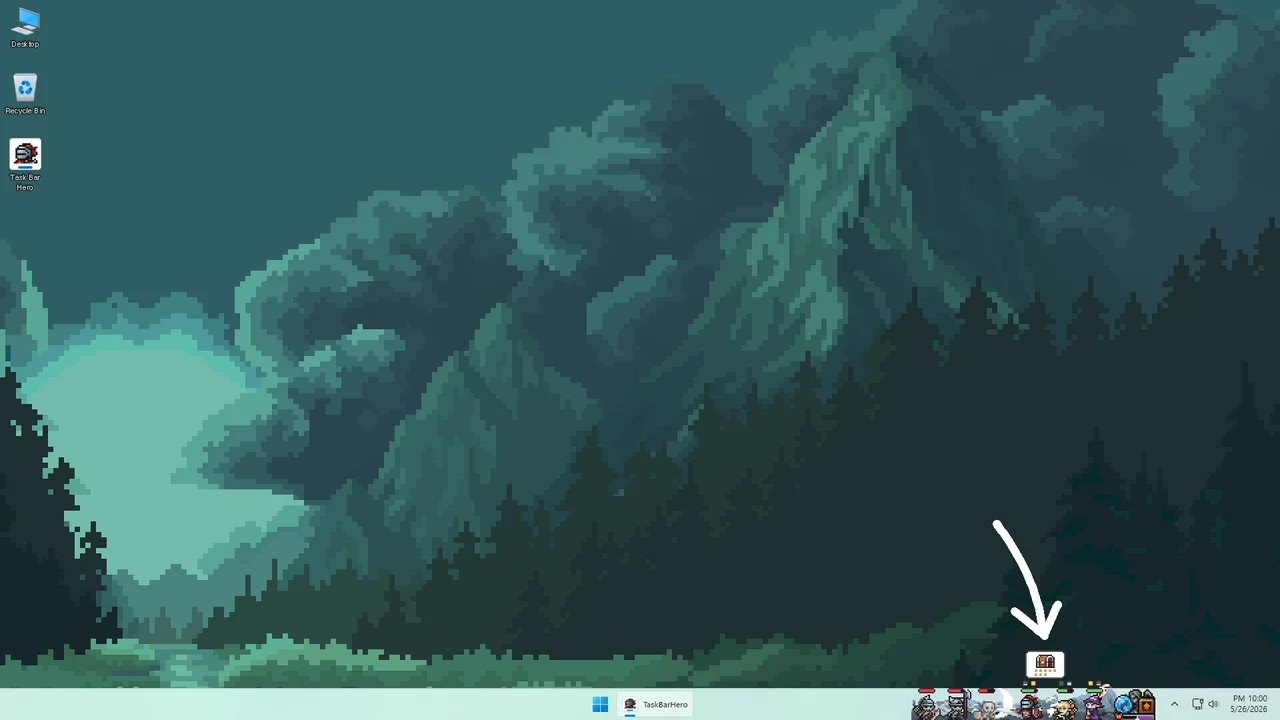
Regular stages, Plaguelands stages, and event stages each track separate chest storage limits. During the Halloween event, you can store up to 40 regular and 40 boss event chests, and an insufficient-storage warning blocks auto-retry until you open your stored boxes.

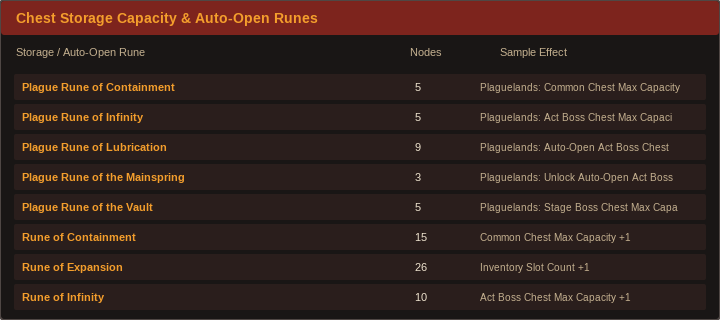
You can expand normal and Plaguelands chest limits with dedicated Runes such as  Rune of Containment,
 Rune of the Vault,
 Rune of Infinity, and
 Plague Rune of Infinity. Rune capacity bonuses do not apply to Halloween event chests, and normal drops like Normal Monster Box 1 share separate slots from Contaminated chests covered in our Plaguelands unlock guide.
Mailbox Refresh Steps and Steam Inventory Recovery
When chests stack in your Steam Inventory under server load, the chest hotfix notice advises repeating Mailbox > Refresh > Claim Chest > Open Chest until all chests display properly. If many chests are stacked at once, tap Refresh instead of opening a chest immediately so chests can be granted up to their maximum quantity.
Ver 1.00.07 added a Steam Inventory recovery feature to restore a malfunctioning Steam Inventory; once started, the prompt warns against closing the window or exiting the client until “Steam Inventory Issue Resolved” appears.
Error Fixes and Launch Support Notices
Update 1.3.0 resolved error 6002 when opening several Act Boss chests together, as well as invalid mail from repeated refreshes, and Update 1.01.00 fixed chests with abnormal data causing force-closes and full-inventory drops redirecting to the Mailbox.
If you receive Error 404 when launching the game, the launch error notice directs you to submit a support request through the Zendesk support link. See our marketable items guide for trading rules and our anti-cheat policy guide for account sanction details.